UE5 Plugin · Apr 24, 2026
ViewportUI
Figma to Unreal Engine
UMG Plugin

Bridge your Figma designs directly into Unreal Engine as fully functional UMG widgets — in one click. ViewportUI connects to the Figma REST API and turns your Figma files into Widget Blueprints inside your Unreal project. No manual UI rebuilding. No copy-pasting assets.
Buy Now · $20 → ← All Plugins
PlatformUnreal Engine 5.6 (Windows 10/11)
Format.uplugin (precompiled)
ReleasedApr 24, 2026
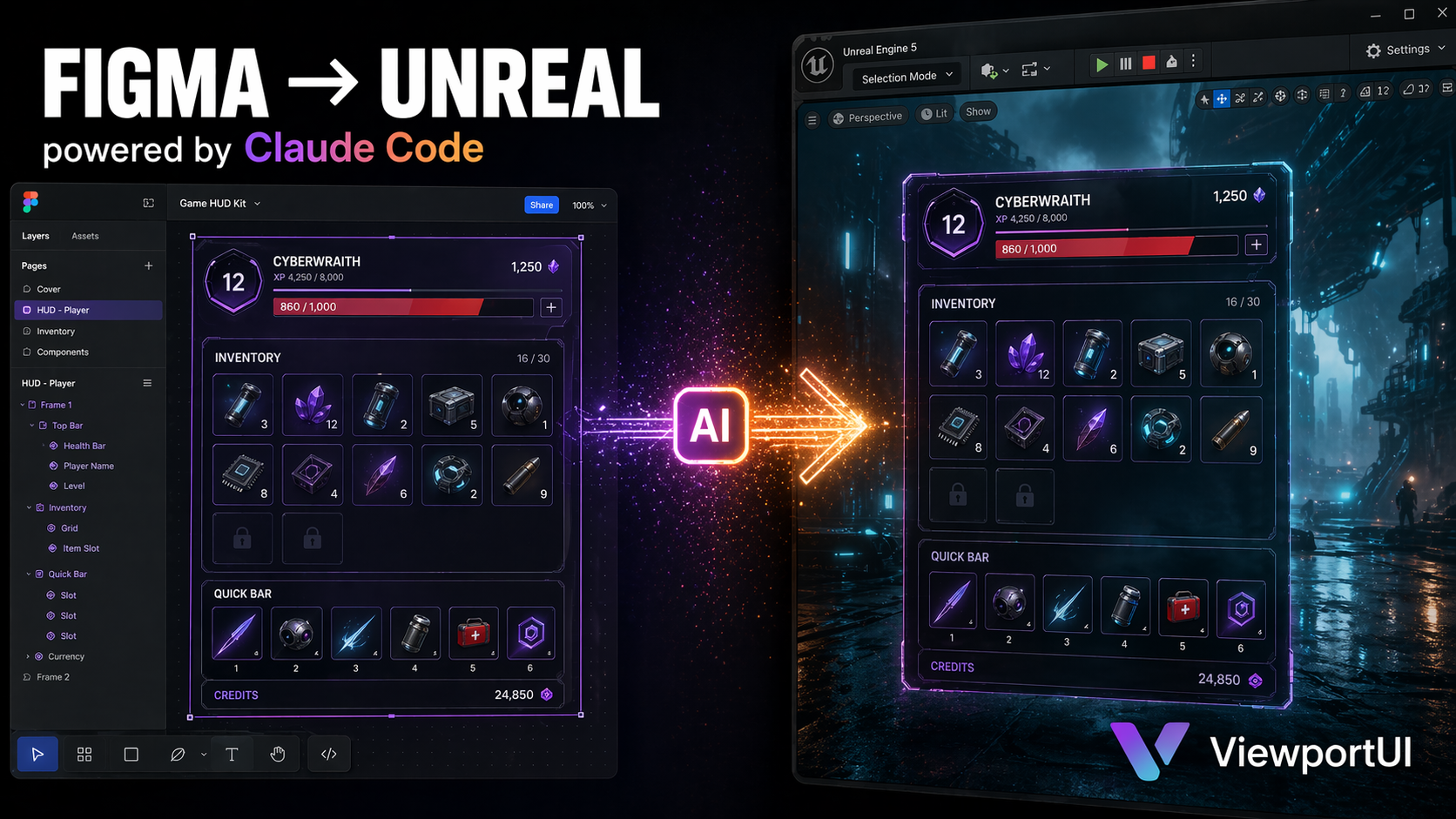
ViewportUI — Figma to Unreal banner

Bridge Figma to UMG.
No more rebuilding.

UI work is one of the slowest parts of Unreal development. Every design change in Figma traditionally means hours of UMG rebuilding. ViewportUI collapses that into a single Content Browser action — right-click, import, done.

For AI-powered workflows, this is the missing piece. Pair it with tools like Claude Code + the Figma MCP and you can go from natural-language prompt to working Unreal UI in minutes.

Who it's for

  • UMG DevelopersSkip the hours of UMG widget rebuilding for every Figma update.
  • Technical ArtistsProduction-grade widget structure with materials and textures, generated.
  • DesignersStay in Figma. Your work shows up native in Unreal automatically.
  • AI-First TeamsPair with Claude Code + Figma MCP for prompt-to-UI in minutes.

Key features.

Five core capabilities that make ViewportUI the fastest way to turn Figma designs into native Unreal UI.

01

One-Click Figma Import

Right-click in the Content Browser → Import Figma File → done. ViewportUI imports Figma frames, components, and component sets as UWidgetBlueprints, ready to use anywhere in your project.

02

Smart Component Mapping

Converts Figma instances into UUserWidgets that reference their parent component — preserving the same composition model your designers already use. Update once in Figma, re-import, every instance updates.

03

Variant Sets → Native UButtons

Turns Figma variant sets (Default / Hovered / Pressed / Disabled) into native UButtons with per-state Slate brushes. Hover, pressed, and disabled states work in UMG out of the box — no manual wiring.

04

Materials, Textures & Fonts — Handled

Generates UMaterials for gradient fills (Linear, Radial, Angular, Diamond), downloads images and icons as Texture2D assets automatically, and pulls missing fonts from Google Fonts when needed. Your design stays pixel-faithful.

05

Class Override System & Prototype Flow

Swap any generated widget for your own UMG subclass so the plugin's output integrates cleanly with your existing UMG architecture. Plus: Figma's prototype flow imports as Blueprint transitions you can wire up directly.

See ViewportUI live.

Full walkthrough video — connect a Figma file, run the importer, and watch your frames, components and variant states become native UMG Widget Blueprints.

Everything you need.

  • Precompiled .uplugin for Unreal Engine 5.6 (no source build required)
  • Full user documentation (PDF)
  • Quick install guide
  • Example setup instructions for Figma access token + file key
  • Right-click Content Browser action: Import Figma File
  • Tested against Google's Material design layouts
  • Works with free and paid Figma accounts
  • Free future updates
ViewportUI
$20

Figma → UMG · One-time purchase

Get on Patreon → Pay via PayPal →
🇮🇳 Pay in INR (₹)

Lifetime updates · Bulk & team licenses on request

Quick setup.

  1. 01Open Edit → Project Settings → Plugins → ViewportUI in Unreal.
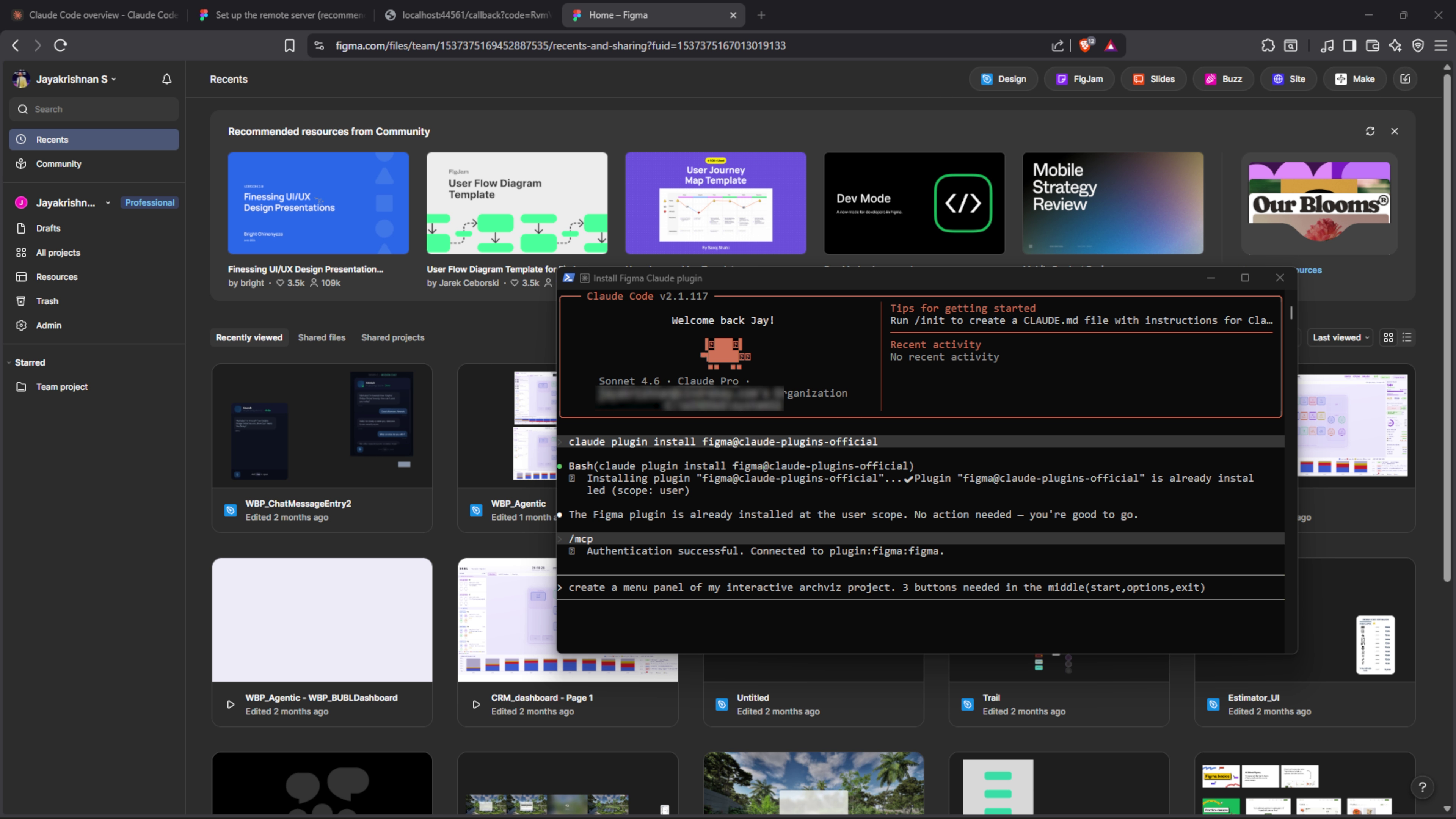
  2. 02Paste your Figma personal access token (get one at figma.com/developers/api).
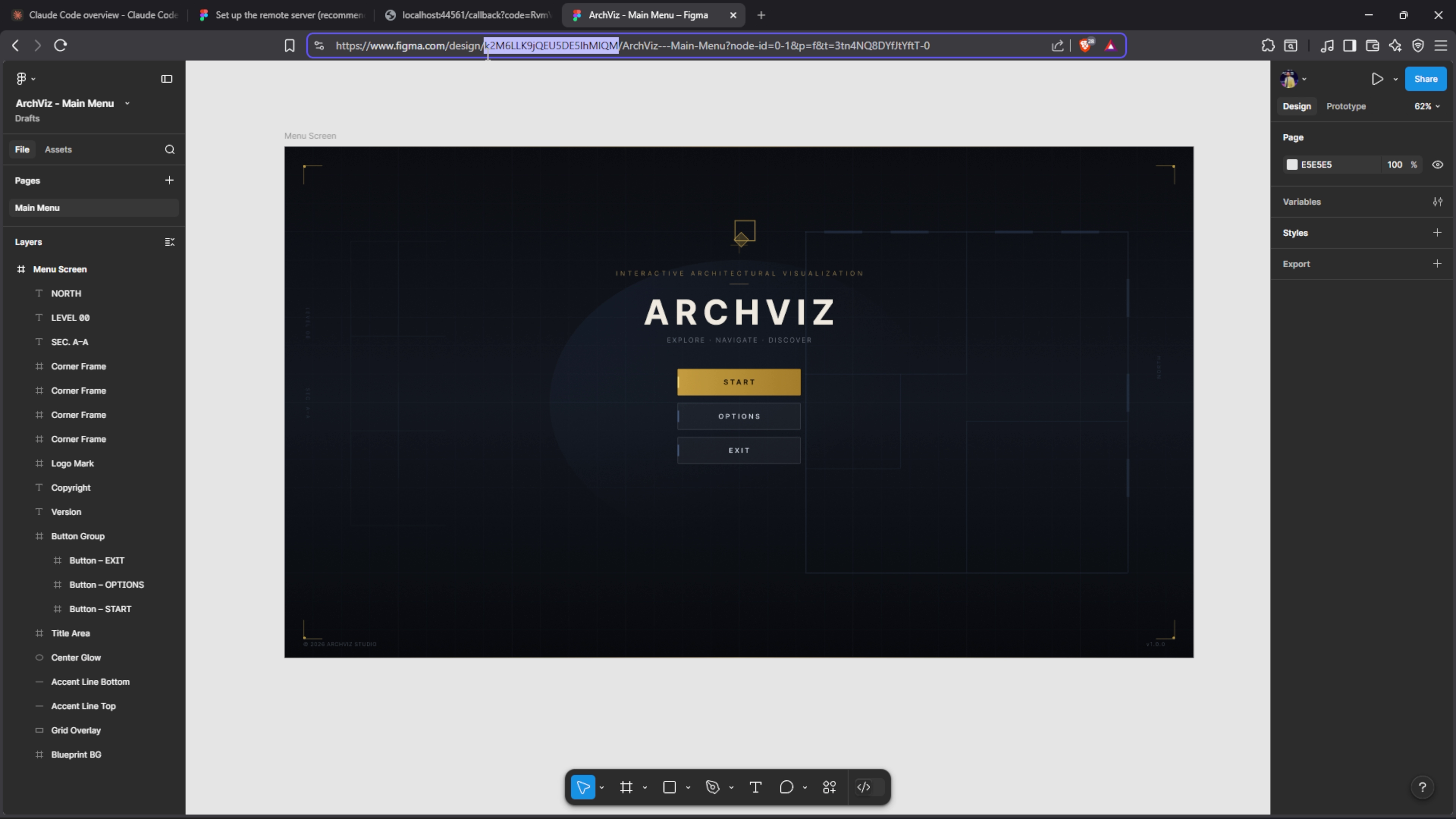
  3. 03Paste your Figma file key — the string in your Figma URL between /design/ and the next /.
  4. 04Optional: add a Google Fonts API key to auto-download missing fonts.
  5. 05Right-click in the Content Browser → Import Figma File → done.

Full documentation PDF is included in the download. Two install paths supported: per-project (recommended) or engine-wide.

See it in action.

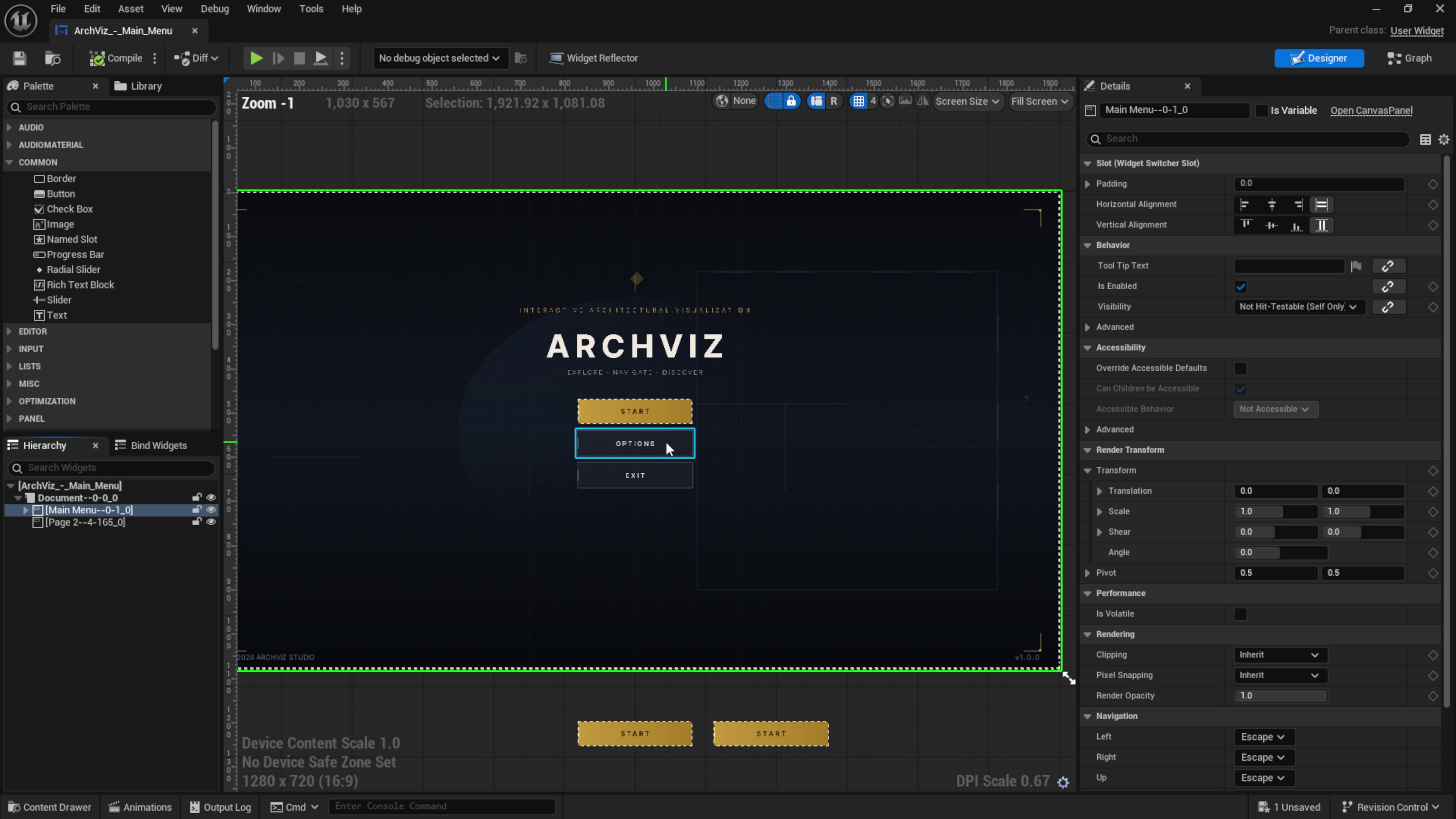
Real captures from the plugin — Figma file on the left, generated UMG widget on the right.

ViewportUI screenshot 1 — Figma to UMG import
ViewportUI screenshot 2 — generated Widget Blueprint
ViewportUI screenshot 3 — Material and texture handling

Other tools in the store